Desktop & Mobile Software
Download and start building today
dTerm
Developer Workspace
A developer workspace for macOS that combines a terminal emulator, code editor, file browser, and dozens of built-in developer tools into a single native desktop application.
- Multi-tab terminal emulator with xterm.js and full PTY support
- Monaco-powered code editor with syntax highlighting and multi-tab editing
- Local file browser with create, rename, copy, delete, and directory watching
- FTP client with file browsing, upload, download, and transfer progress
- SSH/SFTP remote file browser and editor
- Git integration with staging, commits, push, pull, branching, diffs, and merge conflict resolution
- Database client supporting MySQL, PostgreSQL, and SQLite with saved connections
- Docker management for containers, images, and Compose projects
- Built-in web browser with configurable home page
- AI chat panel with support for multiple providers (ChatGPT, Claude, Gemini, and more)
- GitHub integration for pull requests and issues
- Real-time collaboration with session codes and user presence
- Cloud sync for settings, snippets, and connections with account system
- Code runner with auto-detection of project tasks (npm scripts, Makefiles, etc.)
- Code snippets manager
- Project scaffolding with built-in templates
- HTTP/API request tester with saved collections
- Live code preview with real-time file watching
- System dashboard with CPU, memory, disk, and network stats
- Performance profiler with process monitoring
- Notes panel
- Workspace save and restore
- Session persistence across restarts
- Network tools: Ping, Traceroute, DNS Lookup, Reverse DNS, Port Scanner, IP Info, Whois, MAC Lookup, Subnet Calculator, Ping Monitor, Uptime Monitor, Blacklist Check
- Security tools: SSL Checker, SSL Expiry, Security Headers, Password Generator, Password Checker, Hash Generator
- SEO tools: SEO Analyzer, Page Speed, Broken Links, HTTP Headers, Open Graph, Meta Tags, Robots.txt, Sitemap Generator, Domain Expiry
- Developer utilities: JSON Formatter, Code Beautifier, Regex Tester, Base64 Encoder/Decoder, JWT Decoder, Cron Parser, UUID Generator, Timestamp Converter, Markdown Preview, Lorem Ipsum Generator, QR Generator, Color Picker
- Environment variable manager and .env file editor
- Log viewer with live tailing
- Draggable and reorderable navigation tabs
- Multiple built-in themes
- Encrypted credential storage via macOS Keychain
- Auto-updates with in-app notification
- Resizable split-panel layout with window state persistence
- Extensions support
dShots
Screenshot Manager
A lightweight macOS menu bar utility for capturing, managing, and syncing screenshots with built-in window tiling and Finder file cut support. Lives in your menu bar for instant access to screen capture tools, cloud backup, and window management — all controlled through customizable global keyboard shortcuts.
- Capture full screen, area selection, or individual window screenshots with global hotkeys
- Auto-copy screenshots to clipboard immediately after capture
- Organize and browse screenshots locally with thumbnail previews
- Sync screenshots to a remote server with two-way cloud backup
- Download missing screenshots from server to keep devices in sync
- Window tiling with 8 snap positions: left/right halves, four corners, center, and maximize
- Finder Cut (Cmd+X) to cut and move files just like Windows — paste with Cmd+V to move instead of copy
- Fully customizable keyboard shortcuts for all capture and tiling actions
- Auto-detect and import new macOS screenshots from Desktop
- Live-reload edited screenshots without restarting
- Pin the popover window to keep it open while working
- Save screenshots as PNG or JPEG with configurable save location
- Sync status indicators showing local, syncing, synced, or failed states
- Account system with secure Keychain token storage
- Multi-monitor support for window tiling
- Runs as a lightweight menu bar accessory app
MediaHub
Status Bar Media Hub
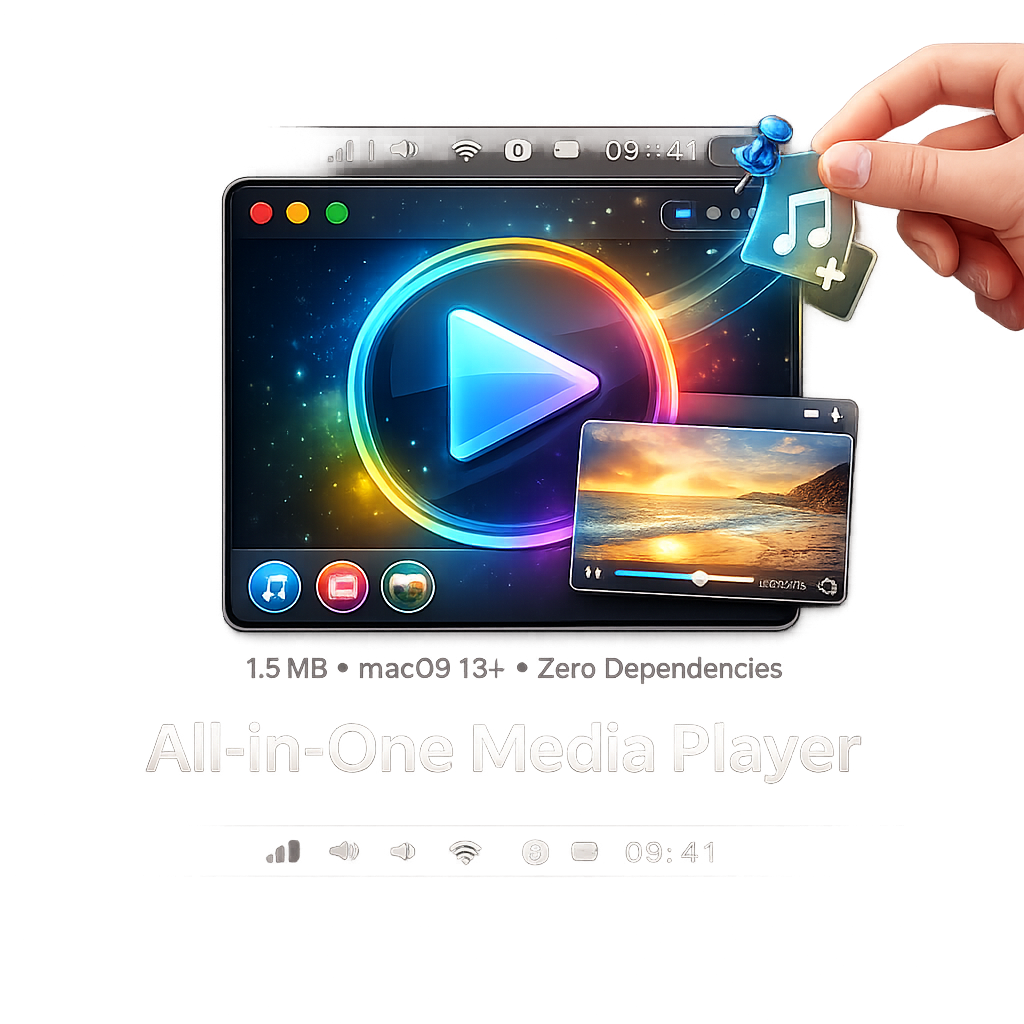
MediaHub is a lightweight macOS menu bar app for media playback and web browsing all from your status bar.
- Lives in the menu bar — no dock icon
- Pin the popover to keep it open
- Pop out media to a floating always-on-top window
- Drag & drop media files to play
- 1.5 MB, zero dependencies, runs on any Mac with macOS 13+
dBack-Up
Set it. Forget it. It's backed up.
BackUp is a lightweight macOS menu bar app that automatically backs up your important folders to an external USB drive. It quietly monitors your files for changes and keeps everything in sync — no cloud subscriptions, no complicated setup, just simple local backups you control.
- Automatic backup to external USB drives
- Real-time file monitoring detects changes instantly
- Runs silently in the menu bar — out of your way until you need it
- Multiple folder selection for custom backup sets
- Incremental backups to save time and space
- Auto-starts when your backup drive is connected
- Detailed progress tracking with file and folder counts
- Launch at login support
- No cloud, no accounts, no subscriptions — your data stays local
- Native macOS app, lightweight and fast

Screen Breaks
Your eyes deserve a break.
A lightweight macOS menu bar app that reminds you to take regular screen breaks to reduce eye strain and stay productive. Choose between the 20-20-20 rule or Pomodoro technique, and let ScreenBreak handle the rest.
- Lives in the menu bar for distraction-free, always-on access
- 20-20-20 mode (every 20 minutes, look away for 20 seconds at something 20 feet away)
- Pomodoro mode with configurable work, short break, and long break durations
- Full-screen break overlay with countdown timer
- Circular progress indicator showing time remaining in work and break sessions
- Customizable work and break durations for both modes
- Skip or dismiss breaks early with one click
- Daily stats tracking for completed and skipped breaks
- Streak counter to build consistent break habits
- Sound and notification alerts when breaks begin
- Launch at login option
- Focus dimming with adjustable intensity
- Automatic session tracking with long break rotation in Pomodoro mode
- Settings persist between sessions
- Auto-starts timer on launch
- Native macOS SwiftUI interface
Activate Windows
Recover & reactivate your Windows license
Windows Activator is a desktop tool that finds your embedded Windows product key, activates Windows, and securely backs up your license keys to the cloud for easy retrieval across devices.
- Automatically detect embedded product keys from BIOS/UEFI and registry
- One-click Windows activation
- Save and sync product keys to the cloud
- Retrieve saved keys from any device
- Manual key input and activation
- Unregister and deregister product keys
- System info display with cloud sync
- Secure login and account management
- Admin elevation with UAC support
- Dark themed modern GUI

S.E.O.
Complete SEO Intelligence in Seconds
SEO Tracker is a comprehensive SEO analysis platform with 48+ professional tools that audit, monitor, and optimize every aspect of your website's search performance. From meta tags to security headers, content quality to page speed get actionable insights in seconds, not hours.
- Meta tag inspector with title & description optimization
- Heading structure analyzer with hierarchy validation
- Content readability scoring with Flesch analysis
- Keyword density & clustering tools
- SERP simulator for Google & Bing previews
- Open Graph & Twitter Card preview
- Image alt text & optimization checker
- SSL certificate monitoring with expiry alerts
- Security headers audit (HSTS, CSP, X-Frame)
- Robots.txt & XML sitemap analyzer
- Schema markup validator (JSON-LD & Microdata)
- HTTP response headers inspector
- Canonical URL & redirect chain checker
- Broken link detection
- Internal link structure analysis
- Anchor text distribution analysis
- Toxic backlink identifier
- Orphan page finder via sitemap crawl
- Hreflang & language tag validator
- Indexability checker (noindex, nofollow detection)
- WWW & HTTPS redirect tester
- Pagination & rel=next/prev checker
- Core Web Vitals & PageSpeed Insights
- Page size & resource breakdown analyzer
- CSS, JavaScript & font file auditing
- E-E-A-T content quality checker
- Duplicate & thin content detection
- Content freshness analysis
- Mobile-friendly testing
- URL structure & slug optimizer
- DNS lookup & record viewer
- Technology stack detector
- Site crawl analysis with depth mapping
- Accessibility audit
- Social media profile link detection
- Local SEO (NAP consistency, Google Business)
- Bulk URL status checker
- Keyword clustering by topic & intent
- Search intent classifier
- Full-site SEO report with 6 scored categories
- Exportable reports in HTML & JSON
- Saved report history per site
- One-click quick audit from dashboard
- Multi-site management & tracking
- Real-time score gauges & issue badges
- Dark sidebar with clean, modern interface

Tracker
Know your audience. Grow your reach.
A lightweight website analytics tool that lets site owners monitor and analyze visitor activity across their web properties. Log in to view real-time data on who's visiting your sites, where they're coming from, and how they interact with your content.
- Real-time website visitor tracking
- User authentication with secure login
- New account registration
- Visitor activity monitoring and analytics
- Multi-site tracking support
- Easy-to-use web-based dashboard
Notch
Your terminal, tucked into the notch.
A hover-activated terminal that lives in your MacBook's notch — run Claude Code, zsh, anything, without leaving your menu bar.
- Hover-activated terminal that drops out of your MacBook's notch
- Full zsh shell with colors, arrow keys, Ctrl-C, and UTF-8
- Run Claude Code, git, vim, or any CLI tool right from the notch
- Persistent sessions — your shell stays alive when the panel collapses
- Powered by a real VT100 emulator (SwiftTerm), not a fake text field
- Floats above all apps and follows you across Spaces
- Click-through when closed — never blocks your menu bar
- Auto-sizes to your specific MacBook's notch dimensions
- Native Swift, hardened-runtime signed, no Electron, no Dock icon
- Lightweight — single binary, runs as a menu-bar-style accessory
Notes
The notebook that feels analog
A simple, distraction-free note-taking app designed for stylus and pen input. Write, sketch, and draw naturally on any device with a touchscreen. Your notes sync across all your devices so you can pick up where you left off.
- Pen & stylus optimized with palm rejection
- Pressure-sensitive strokes
- Multiple paper styles (blank, lined, graph, dots)
- Color picker with preset colors
- Adjustable stroke sizes
- Undo/redo support
- Cloud sync across devices
- Works offline
- Clean, distraction-free interface
- Mobile and tablet friendly